Make Social Media Videos Without Being On Camera
Video templates are the simplest way to start creating video. Use the free templates in CapCut and Canva to turn the photos and clips already on your phone into polished social media videos.
LIVE MASTERCLASS ON ZOOM · THURSDAY, NOV. 19 · 1 PM - 2 PM ET
Noon - 1 PM CT | 11 AM - Noon MT | 10 AM - 11 AM PT
You know you should be making video.
You just don't want to be on camera.
You're not alone. It's the number one thing that holds people back from video, and it's completely normal.
Here's the good news: you don't have to be on camera to start. Video templates are the simple entry to video that many of my clients use to get their first videos done and posted.
In this 60-minute live masterclass, I'll show you how to use free templates in CapCut and Canva to create polished social media videos, starting with what's already on your phone.
And the bonus? My clients tell me they're making these videos in about 15 minutes.
What you'll learn
- How to make videos without being on camera, using photos and B-roll footage
- How to find the right templates in CapCut and Canva, including which ones are free and which need a paid plan
- How to turn the photos and clips on your phone into scroll-stopping videos with CapCut templates
- How to use Canva templates for text-on-screen videos, with no recording at all
- How the same template strategy works with Instagram's Reels templates
- My simple workflow for going from idea to posted video in under an hour
This is for you if you're
- Not comfortable on camera, but you know you need to show up on video
- New to video and not sure how to get started
- A consultant, entrepreneur, or professional who wants to post video without spending hours editing
What's included
- 60-minute live session on Zoom, with Q&A
- 7-day replay access
- Where to find templates in CapCut and Canva, and how to pick the right ones for you
- No paid software needed. Everything works on the free plans.
Client Testimonials
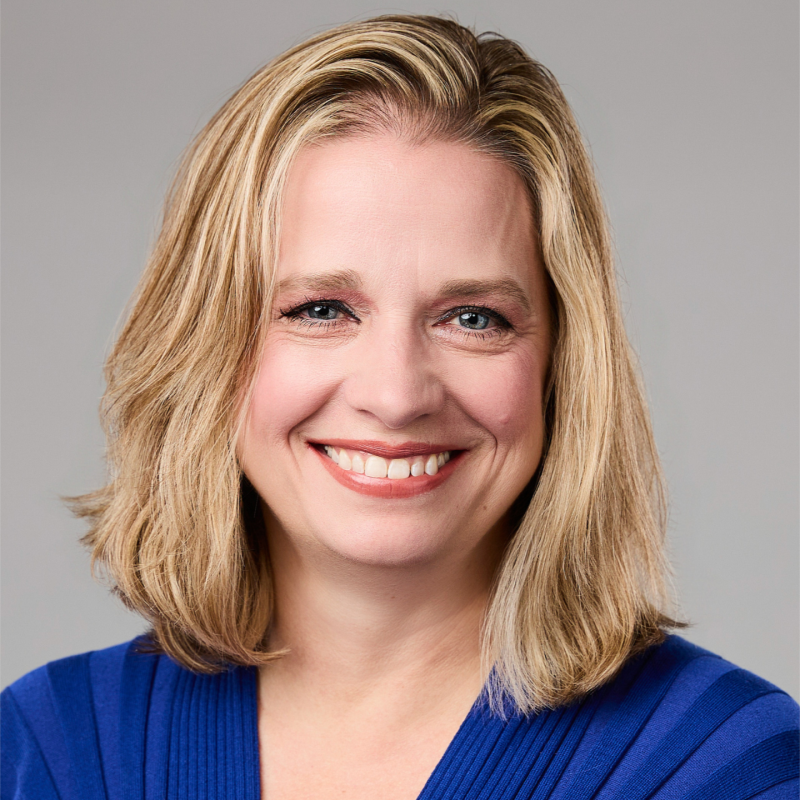
Brenda Meller, Bootcamp Grad
I have been learning video tips from Annette for years and I was thrilled when I heard she was offering the "Smarter, Faster, Fun Video Bootcamp." Now, if you follow me on LinkedIn, you know I'm pretty comfortable (and savvy) when it comes to video, but I knew I'd learn new techniques from Annette, to help me further elevate my messaging and video skills. And I was right!
I highly recommend enrolling in Annette's bootcamp or paying to work with her. If you, like me, have benefitted from all her free expertise over the years, imagine the value you'll get from paying to learn from her! You'll learn techniques from Annette and she'll provide you guidance and support along the way. Tell her Brenda sent you!
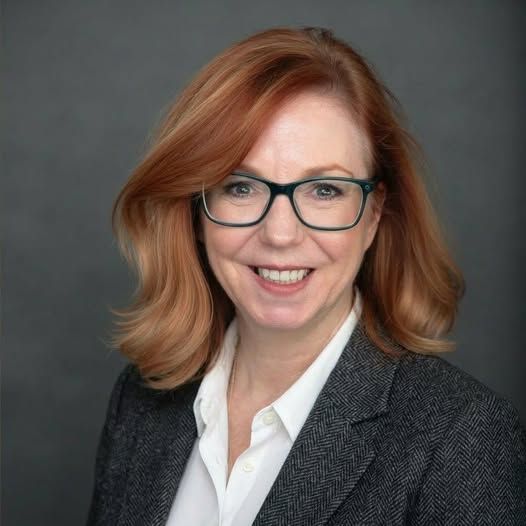
Sara C. Timm, Bootcamp Grad
Collaborating with Annette Richmond has been a game-changer in overcoming my reluctance toward video content. With a little practice, my videos are coming along. And it's not chore anymore. Her know how, guidance, and support has made the process manageable and her insights into content creation have been invaluable.
She is also helping me build confidence in front of the camera. That's not the easiest thing in the world to do. I can highly recommend Annette for anyone looking to establish a video presence as well as learn to easily create compelling content.
If you’ve been putting off video because it feels awkward and takes too much time . . .
I get it, because I was you
People say I’m a natural on camera, but the truth is I’m not.
I was a shy awkward kid in high school. The one who avoided being the center of attention or on camera at all costs
So I wasn’t happy when I found myself behind one of the “island” bars serving drinks. But I learned that when talking to strangers is your job you get over yourself fast.
😱 And that’s what it was like for me with video too. I hated seeing and hearing myself on camera. And my videos showed it.
One day I signed up for a group training. I learned a few techniques that saved me time.
And eventually just like standing behind a bar being stared at by strangers, I just stopped thinking about it. And I can promise you that you will too.
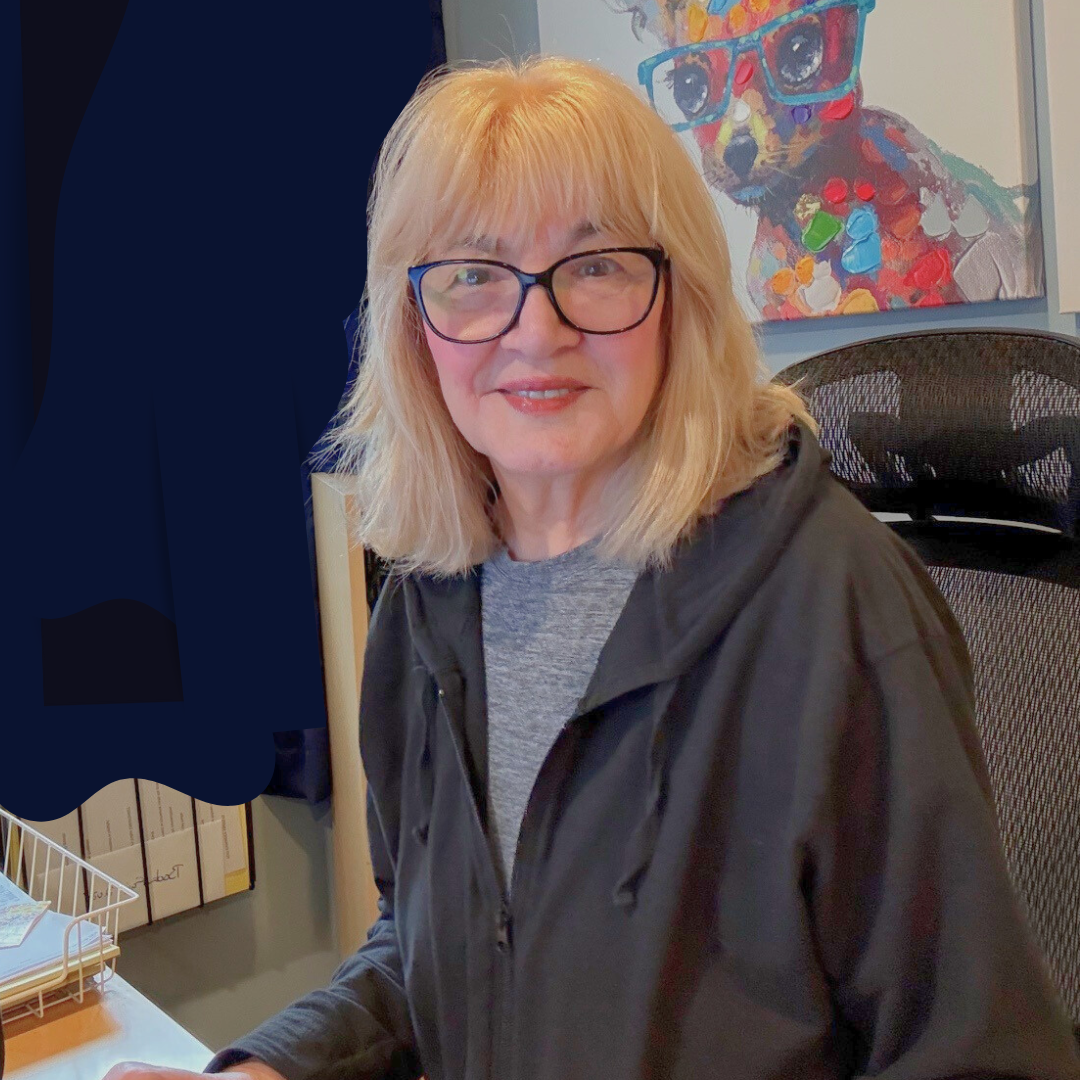

Thomas Powner (Client)
📌 Despite regularly speaking to large audiences at conferences and webinars, I struggled with camera presence when speaking to an audience of zero. Fear and self-doubt would creep in, causing me to stumble over words and sound insecure.
Through video coaching sessions with Annette, I learned valuable techniques to overcome these challenges. I now feel confident and composed on camera, delivering clear and impactful messages.
📌 In this world where video rules, I recommend Annette for video coaching to learn techniques, best practices, and easy-to-use tools.

Liz M. Lopez (Client)
I recently had the pleasure of working with Annette Richmond, Video Consultant, when I needed urgent help editing a video in CapCut, and I’m so glad I reached out to her.
I was on a tight deadline and had never used the app before. Annette was able to get me in for a next-day Zoom appointment and patiently walked me through the entire process using the app on my phone, step by step. She helped me with everything from trimming and formatting the video to blurring out personal information inside the video itself so I could confidently submit it on time.
What I appreciated most was her ability to meet me where I was. She made the technology feel approachable and helped me navigate features that were beyond beginner level, even when I started to feel overwhelmed. She was calm and always had a new approach “Let’s try this" until it all came together. By the end of the session, I had the video completed and also felt far more confident using the platform on my own.
LIVE MASTERCLASS ON ZOOM · THURSDAY, NOV. 19 · 1 PM - 2 PM ET
Noon - 1 PM CT | 11 AM - Noon MT | 10 AM - 11 AM PT
You know you should be making video.
You just don't want to be on camera.
You're not alone. It's the number one thing that holds people back from video, and it's completely normal.
Here's the good news: you don't have to be on camera to start. Video templates are the simple entry to video that many of my clients use to get their first videos done and posted..
In this 60-minute live masterclass, I'll show you how to use free templates in CapCut and Canva to create polished social media videos, starting with what's already on your phone.
And the bonus? My clients tell me they're making these videos in about 15 minutes.
What you'll learn
- How to make videos without being on camera, using photos and B-roll footage
- How to find the right templates in CapCut and Canva, including which ones are free and which need a paid plan
- How to turn the photos and clips on your phone into scroll-stopping videos with CapCut templates
- How to use Canva templates for text-on-screen videos, with no recording at all
- How the same template strategy works with Instagram's Reels templates
- My simple workflow for going from idea to posted video in under an hour
This is for you if you're
- Not comfortable on camera, but you know you need to show up on video
- New to video and not sure how to get started
- A consultant, entrepreneur, or professional who wants to post video without spending hours editing
What's included
- 60-minute live session on Zoom, with Q&A
- 7-day replay access
- Where to find templates in CapCut and Canva, and how to pick the right ones for you
- No paid software needed. Everything works on the free plans.